
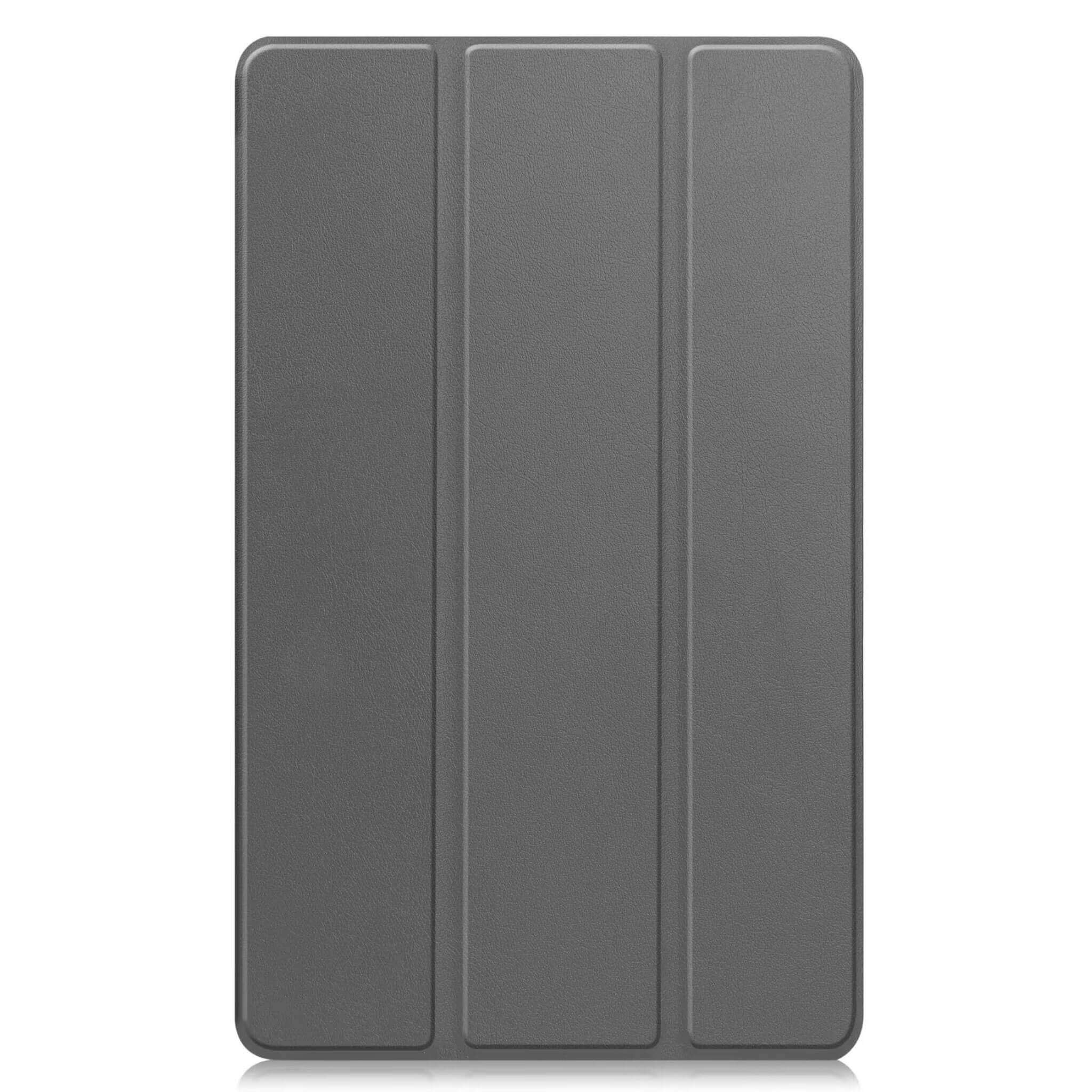
You typed galaxy tab a9+ case. The listing also said A9. Pause there.
Those two tablets share a naming habit. They do not share a shell. A9 is 8.7”. A9+ is 11”. Force the wrong folio on and the ports miss, the camera hole sits off-center, and the tri-fold stand feels crooked. Returns usually start with size — not with “I picked the wrong colour.”
Quick answer
| Tablet | Screen | Model numbers (SM) | Folio that fits |
|---|---|---|---|
| Galaxy Tab A9 | 8.7” | SM-X110, SM-X115 | A9-only folio |
| Galaxy Tab A9+ | 11” | SM-X210, SM-X216, SM-X218 | A9+-only folio |
| Galaxy Tab A11+ (11”) | 11” | SM-X230, SM-X236 | Same hard-shell mold as A9+ on our hard shell listing |
Wi‑Fi vs cellular does not change the case. 64 GB vs 128 GB does not either. Screen size and the SM code do.
How to read your model number in 20 seconds
- Open Settings → About tablet (One UI wording varies a little).
- Find Model number — something like
SM-X110orSM-X210. - Match the table. Box art loses to the SM code every time.
Still guessing? Hold the tablet next to an A4 sheet. The 8.7” A9 looks small; the 11” A9+ is closer to a thin laptop screen. You should not need a caliper for this pair.
Why “A9” listings get mixed up
Marketplaces love stuffing both names into one title for traffic. Buyers then assume one galaxy tab a9 case and one samsung a9+ case are interchangeable. They are not.
Watch for:
- “Fits Galaxy Tab A9 / A9+” with no SM codes — unverified until you see X110 vs X210 spelled out.
- An 11” shell in the photos next to an A9 keyword — often A9+ only.
- Tab A9 mixed with Tab S9 — different family. S9 cases are a separate mold and a separate buy.
We split FolioHide listings by device mold: one parent per size class, colours as variants. Wrong size stays out of the cart.
What we stock for this pair
Galaxy Tab A9 (8.7”) — tri-fold hard shell folio. No pen slot. SM-X110 / SM-X115. Not for A9+.
Galaxy Tab A9+ (11”) hard shell — tri-fold hard shell folio. Our hard-shell galaxy tab a9+ case (also matches searches for samsung galaxy tab a9+ case / galaxy tab a9 plus case). No pen slot. SM-X210 / SM-X216 / SM-X218, and the same mold covers Tab A11+ 11” (SM-X230 / SM-X236). Not for the 8.7” A9 or A11.
Galaxy Tab A9+ (11”) with S Pen holder — tri-fold TPU folio with pen slot. Soft TPU shell plus a stylus pocket. SM-X210 / SM-X216 / SM-X218. Not for Tab A9 8.7”.
Hard shell vs TPU-with-pen is taste. Size is not. Get the SM code right, then pick the shell.
Buying checklist (print this in your head)
- Confirm 8.7” or 11” in Settings — not from memory of the box.
- Write down the SM-X… code.
- On the product page, check that same SM list in the short description.
- Read the Not for line. Your tablet named there? Stop.
- Then colour — and on A9+, whether you want a pen slot.
FAQ
Can I stretch a galaxy tab a9+ case onto Tab A9?
No. You will fight the corners and likely stress the hinge. Buy the 8.7” listing.
Does the A9+ hard shell fit Tab A11+?
Yes on our hard shell listing — shared 11” mold (SM-X230 / SM-X236). The 8.7” Tab A11 is a different body; skip the A9+ shell for that one.
Wi‑Fi vs 5G — different case?
Not for this pair. Same outer size within each class.
The retail box only says “Samsung Galaxy Tab A9”.
Open Settings anyway. Boxes drop the Plus more often than they should.
Next step
Match the SM code, then open the listing that prints it:
- Tab A9 8.7” hard shell folio
- Tab A9+ / A11+ 11” hard shell folio
- Tab A9+ 11” TPU folio with S Pen holder
S9 / S9 FE / S10? Different guides, different URLs — this page is only the A9 / A9+ (and shared A11+ hard-shell) mess.